
by MacEdge | Jun 29, 2019 | Blog, iOS, iPhone
Do you sometimes find it difficult to read articles on your iPhone because of ads, banners, extraneous layout, social media icons, and too-small fonts? We certainly do, and there’s often a quick fix for the myriad ills of modern Web pages: Safari Reader. Whenever you...
by MacEdge | Jun 25, 2019 | Blog
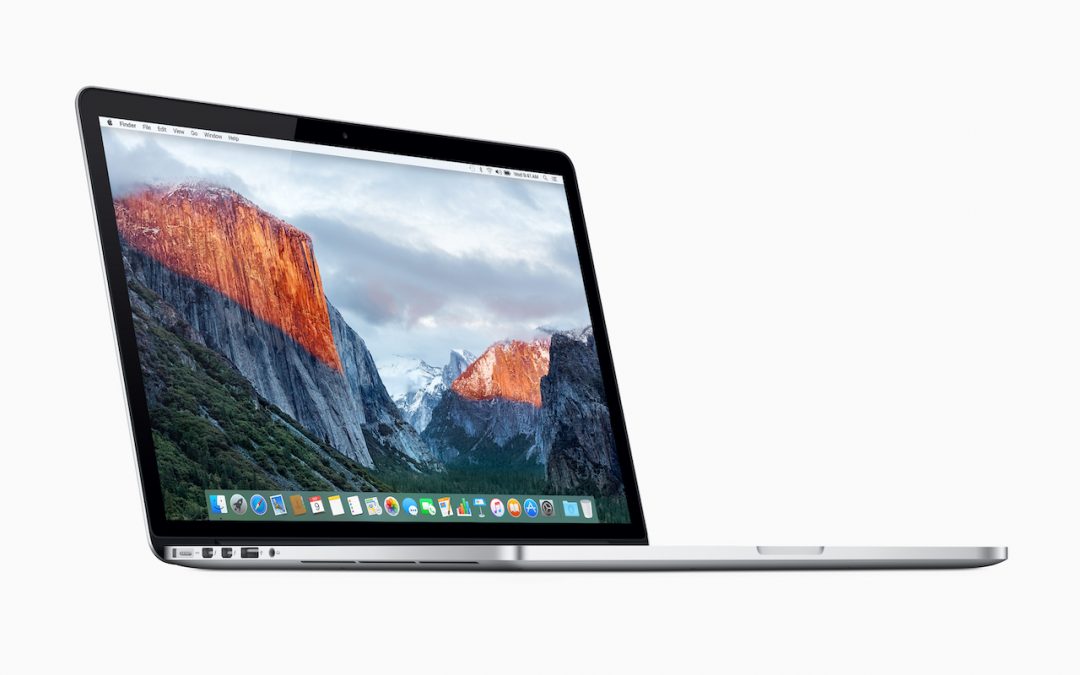
Heads up! If you’re using an older 15-inch MacBook Pro—the version with lots of ports that predates the current Thunderbolt 3 models—Apple has started a recall program to replace batteries that could explode and catch on fire. (We’re not kidding.) The affected MacBook...

by MacEdge | Jun 20, 2019 | Blog, Mac
If you’re like many of our clients who use Dropbox, you might have a desktop Mac with a large drive and a MacBook with much less drive space. How do you prevent your large Dropbox account from overwhelming the laptop Mac’s available storage? The answer is Dropbox’s...
by MacEdge | Jun 17, 2019 | Blog, iOS, iPad, iPhone, tips
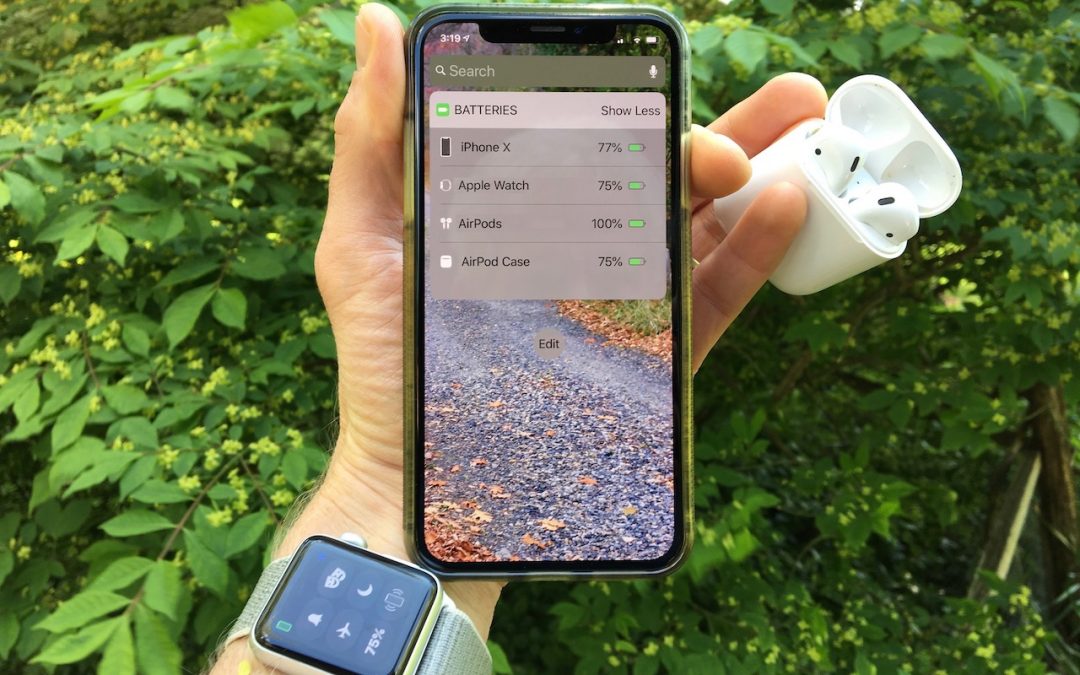
Apple’s Batteries widget is a little known but highly useful tool for quickly assessing which of your small Apple devices is lowest on power—something you may wish to do when traveling with only one charging cable. To access it, switch to Today view on the iPhone,...

by MacEdge | Jun 13, 2019 | Blog, Mac, tips
By default, Apple populates your Mac’s Dock with all sorts of apps and arranges them in a particular order. But there’s no rhyme or reason to the defaults, and you shouldn’t be afraid to add, remove, and rearrange apps on your Dock. To add an app, drag its icon from...
